Calendar
The whole business on one calendar.
Day, week and month views across staff and locations, with drag-and-drop editing and two-way sync to the calendars your team already uses.
- 14 days free
- Full access
- No card required
Day, week and month
Switch views, filter by staff or location, and see working hours shaded in.
Drag-and-drop
Move and resize appointments directly on the grid, with conflict checks and automatic customer texts.
Two-way sync
Google Calendar and Apple/CalDAV, in both directions: bookings land in personal calendars, busy events block slots here.
Private by design
Bookify only needs to know when someone is busy; personal event details stay in their own calendar.
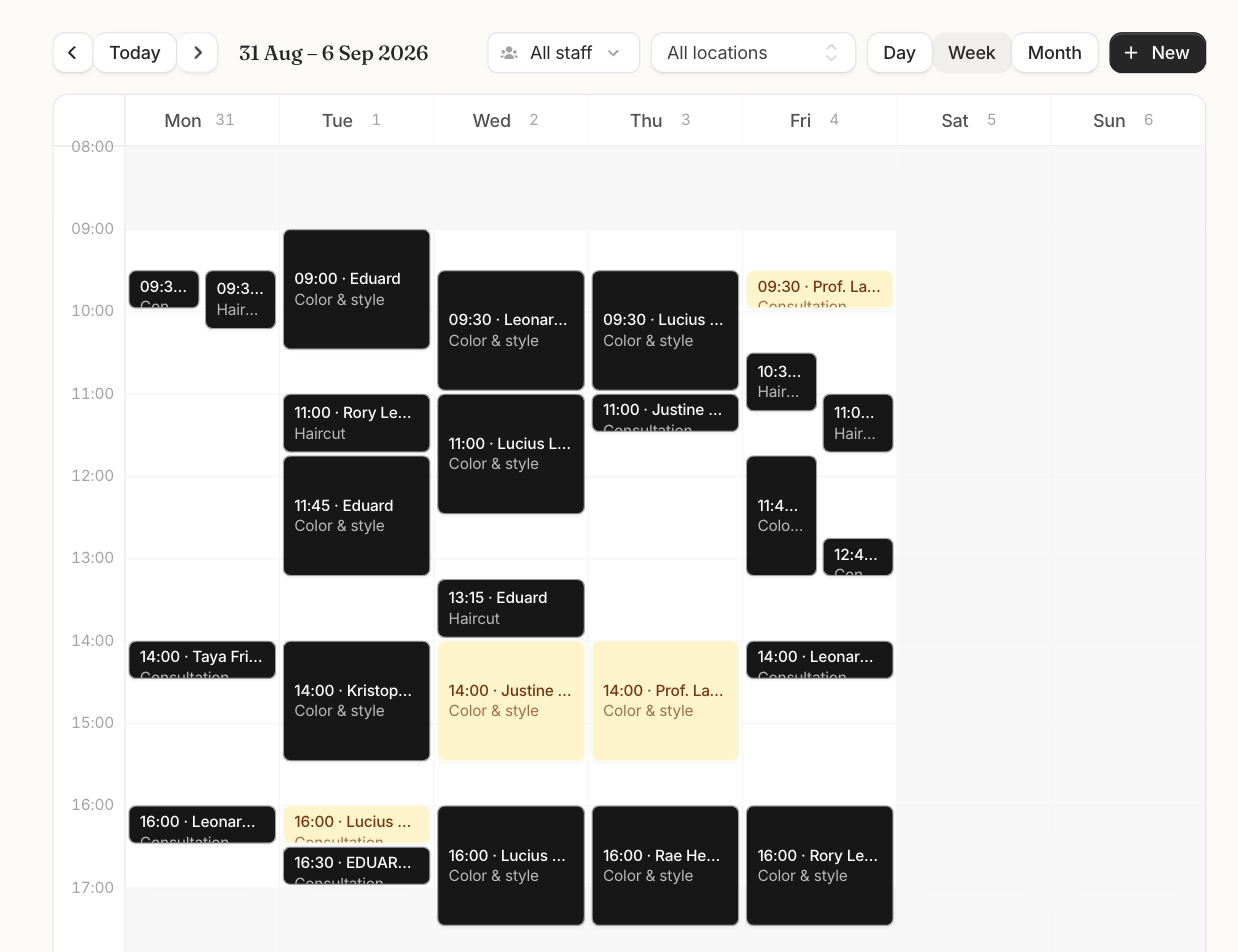
How it works
A normal week in the week view
- 1 Filter by staff or location, with working hours shaded in.
- 2 Drag a booking to a new time; the customer gets the change by text.
- 3 Busy events from Google or Apple block slots as they appear.
- 4 New bookings pop onto the grid as customers make them.
The details
Exactly what you get.
- Day, week and month views
- A column per staff member
- Drag to move, drag the edges to resize
- Two-way Google Calendar sync
- Apple and iCloud via CalDAV
- Conflict checks on every move
Works together
Stronger with the rest of Bookify.
See it in your trade
Good to know
Frequently asked questions.
Which calendars can we connect?
Google Calendar and Apple/iCloud (CalDAV), connected per staff member.
What syncs in which direction?
Bookings flow out to personal calendars; busy events flow in and block availability.
Do personal event details show up in Bookify?
No. Bookify only uses busy times; titles and details stay in the personal calendar.
Your next appointment could book itself.
Set up your services, share your link, and watch the calendar fill in, free for 14 days.
Start free trial